Live call
Start the call in CallSmart. Your phone rings, CallSmart dials the client and connects you, and the call is recorded.
Launch preview. Not indexed, and the App Store buttons are not live yet.
Call intelligence · Built for Canadian mortgage brokers
Every call produces two drafts: a follow-up email in your voice, covering what was discussed and the next steps, and notes for your own file. Nothing goes to your client until you approve it.

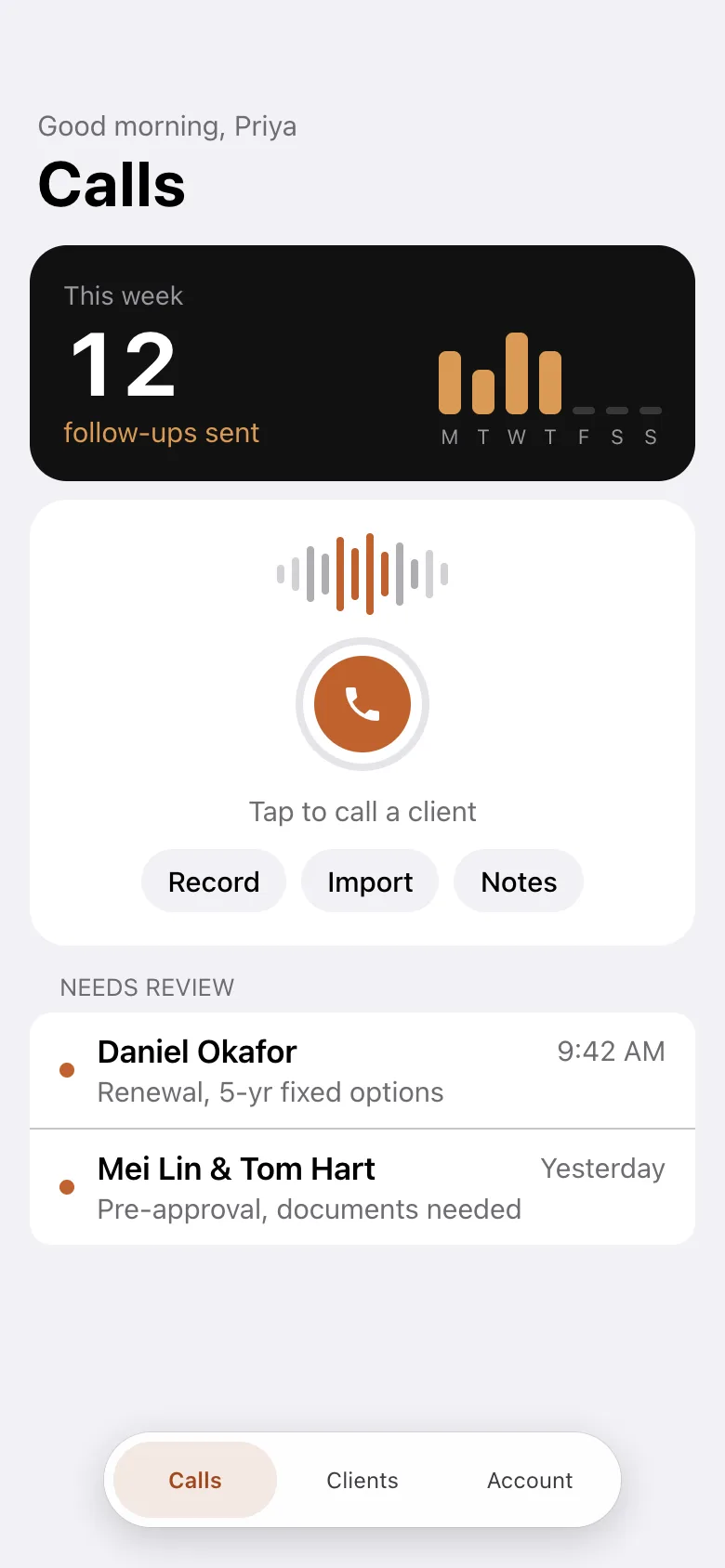
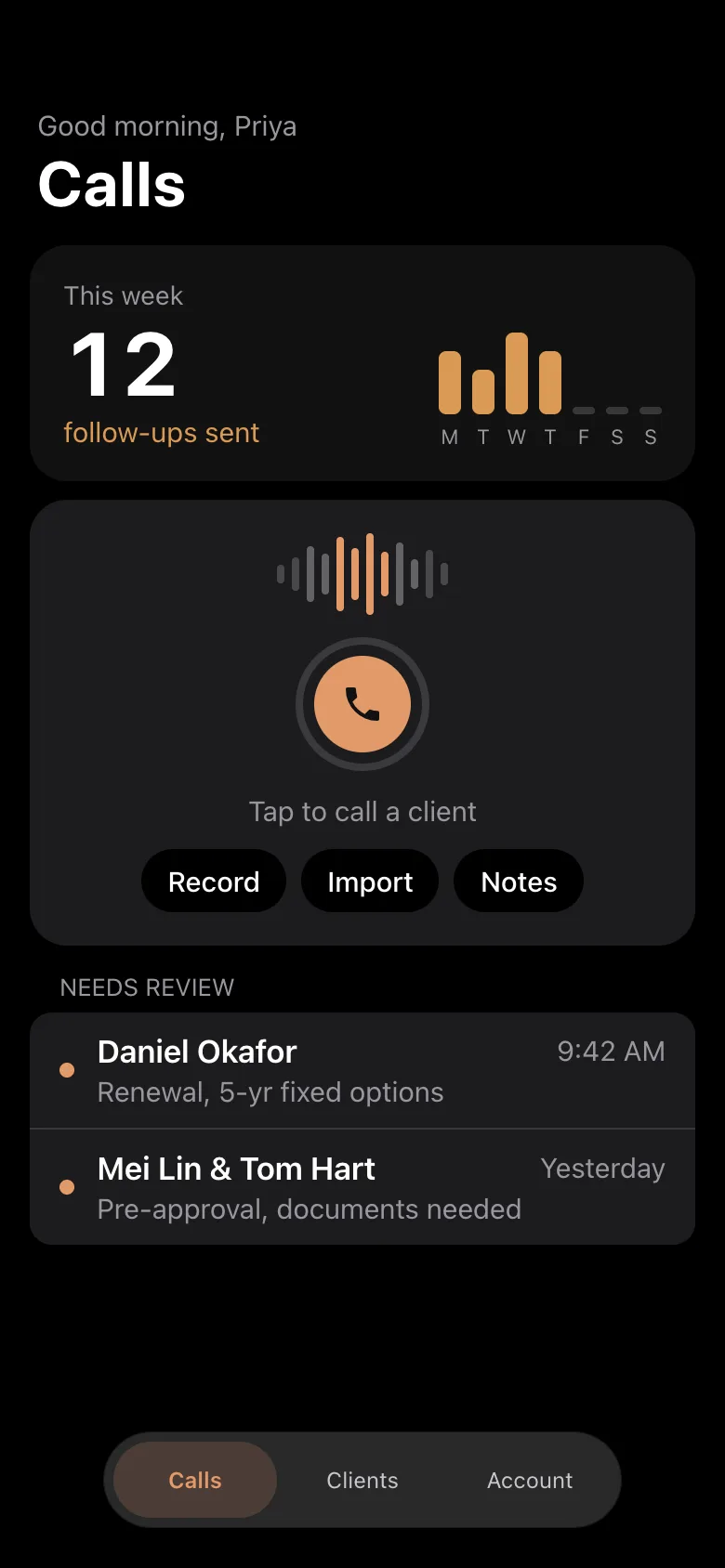
App screen with fictional clients.
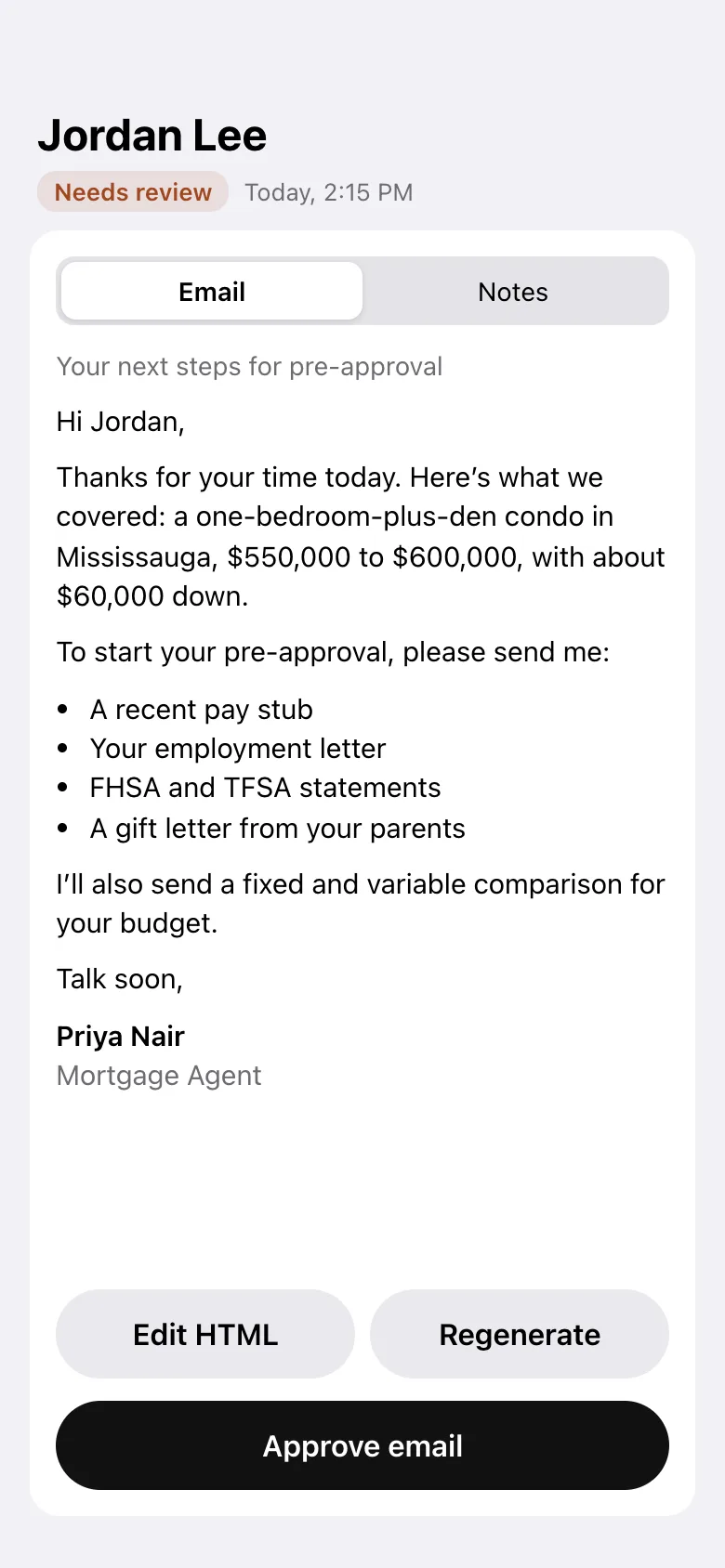
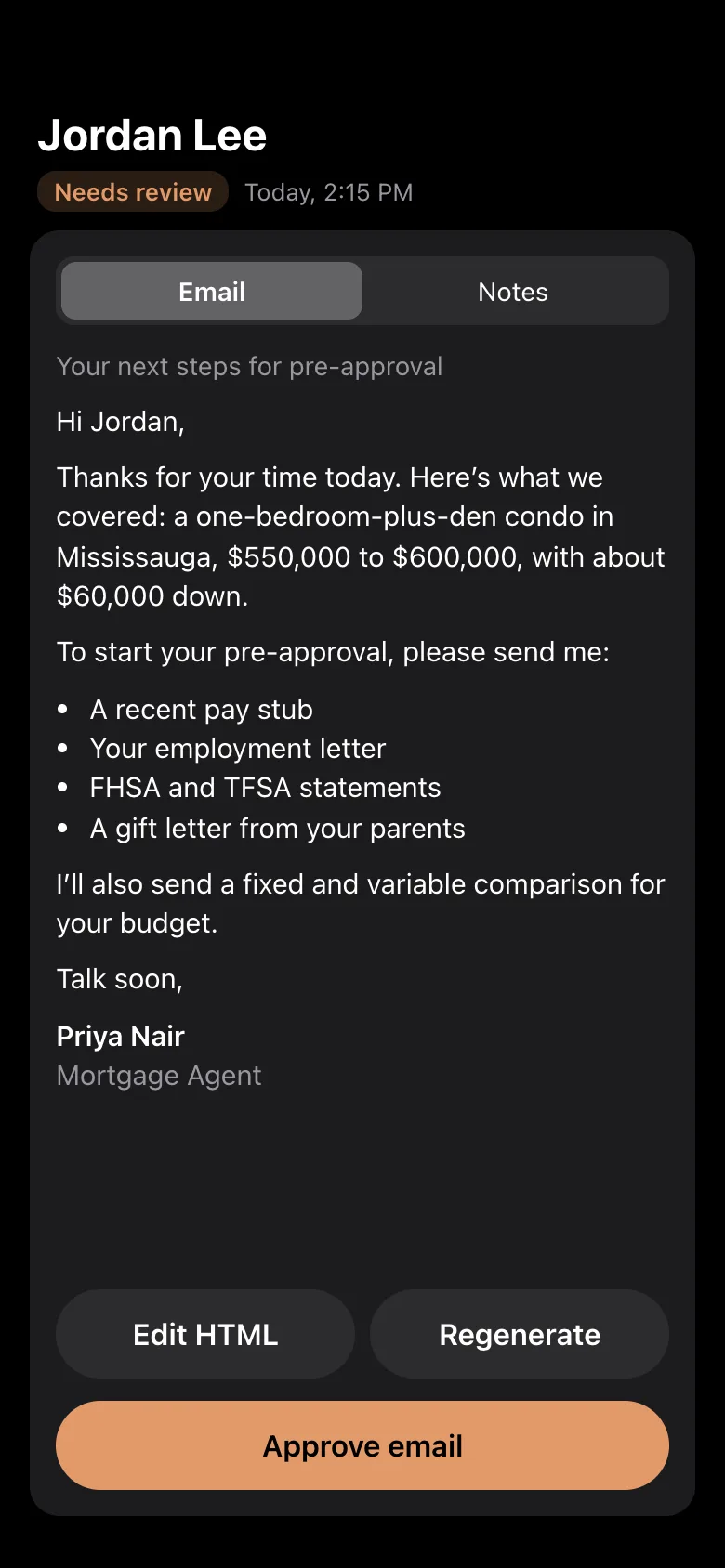
CallSmart is an iPhone app that turns a mortgage client conversation into two drafts: a follow-up email in the broker’s voice and internal CRM notes. It works from a phone call, an in-person meeting, an imported recording, or typed and handwritten notes. The broker reviews and approves both drafts before anything goes out.
On the phone, across the desk, or written on a pad. Every way in ends with the same two drafts.
Start the call in CallSmart. Your phone rings, CallSmart dials the client and connects you, and the call is recorded.
Already on a call, or took one coming in? CallSmart joins it and records from that point. Your carrier plan needs three-way calling.
For in-person conversations. Keep your phone near the conversation.
Bring in an MP3, MP4, M4A or WAV up to 100 MB, or paste a transcript.
Type, dictate, or scan your handwritten notes.
Setup includes a sample conversation that runs through the real drafting steps. It can’t reach a real inbox.
Why two ways for phone calls? iOS doesn’t let an app record a phone call directly. So CallSmart either places the call for you or joins one you’re already on.
How it works
Make a live call, join a call you’re already on, record a meeting, import a recording, or type or scan your notes.
It pulls out the client and deal details, checks for gaps, and writes the email and CRM notes. Drafting usually takes 20 to 60 seconds. A recording needs a minute or two for the transcript first.
Read both drafts, edit or regenerate either one, and approve them. Then send the email and move your notes to your CRM.
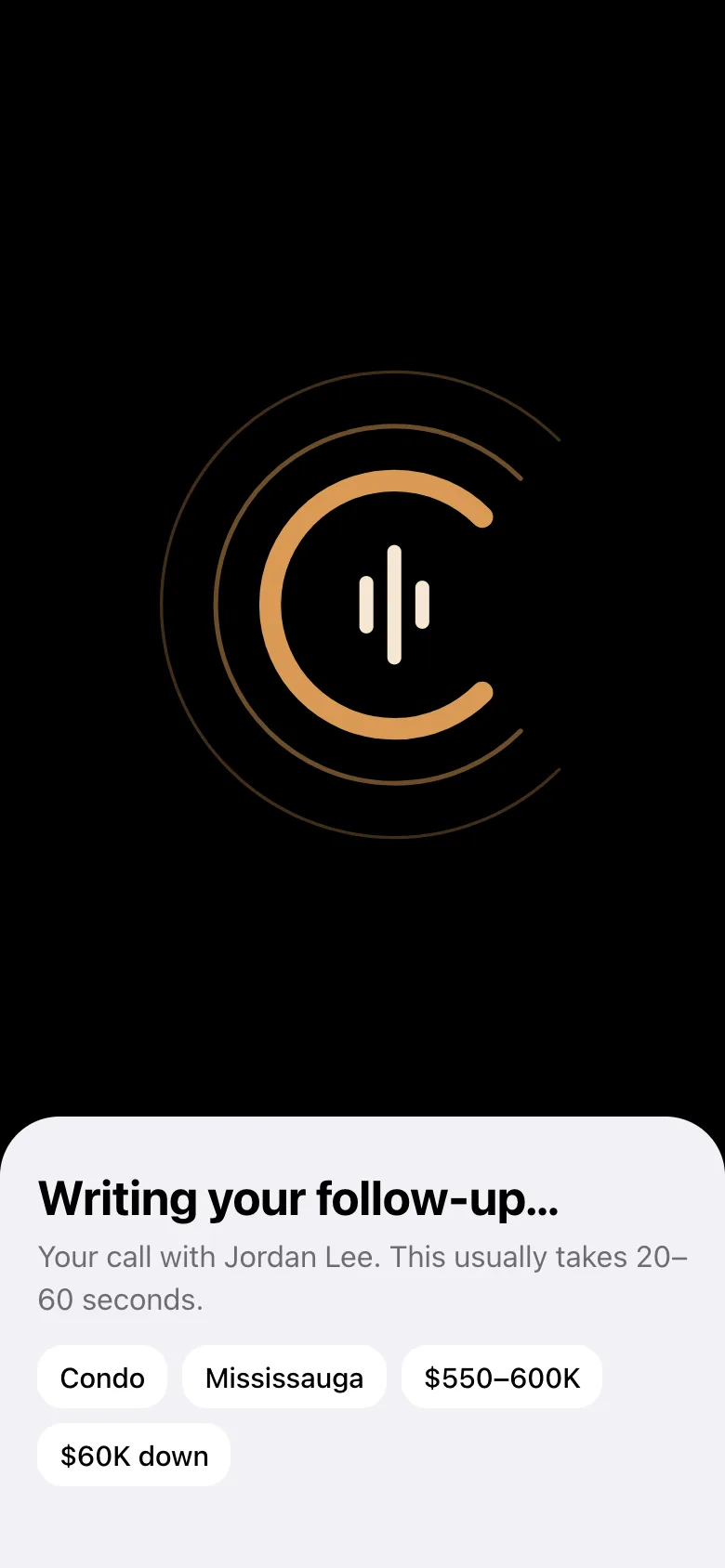
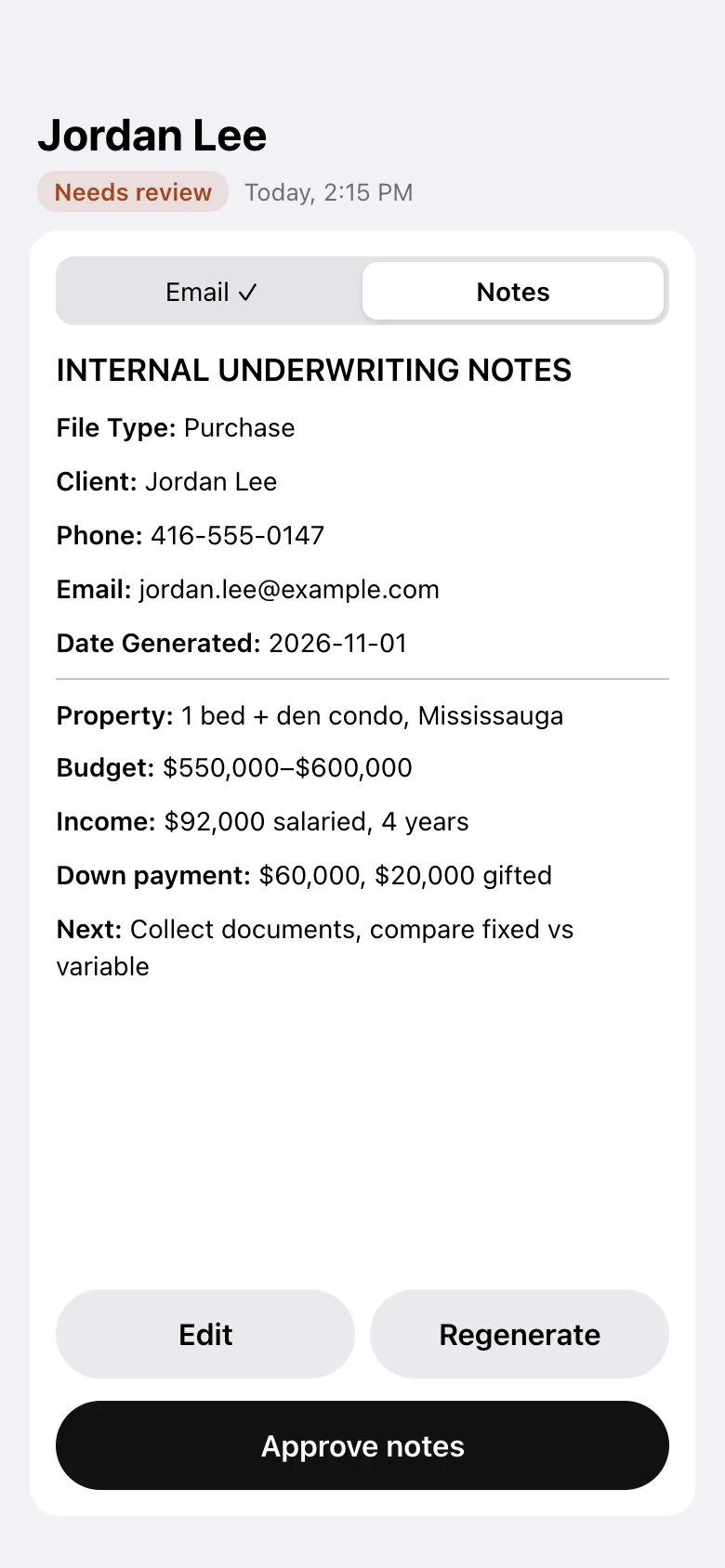
Renewals, pre-approvals, refinances and HELOCs. CallSmart knows which details matter.
Pulls names, property, budget, income, down payment and its source out of the conversation, along with risk flags and what the client wants to understand.
If a required detail didn’t come up, you get up to three quick questions before the draft is written. Answer them or skip them.
Choose your tone and greeting, add your signature, and send from your own email address.
Verify your mobile once and clients see your number on live calls, so they can call you straight back.
Correct a client’s details and CallSmart offers to rewrite the drafts, so the old detail doesn’t go out.
Push notes to WorkflowCRM when it’s connected, or copy and share them into any other CRM or broker platform.
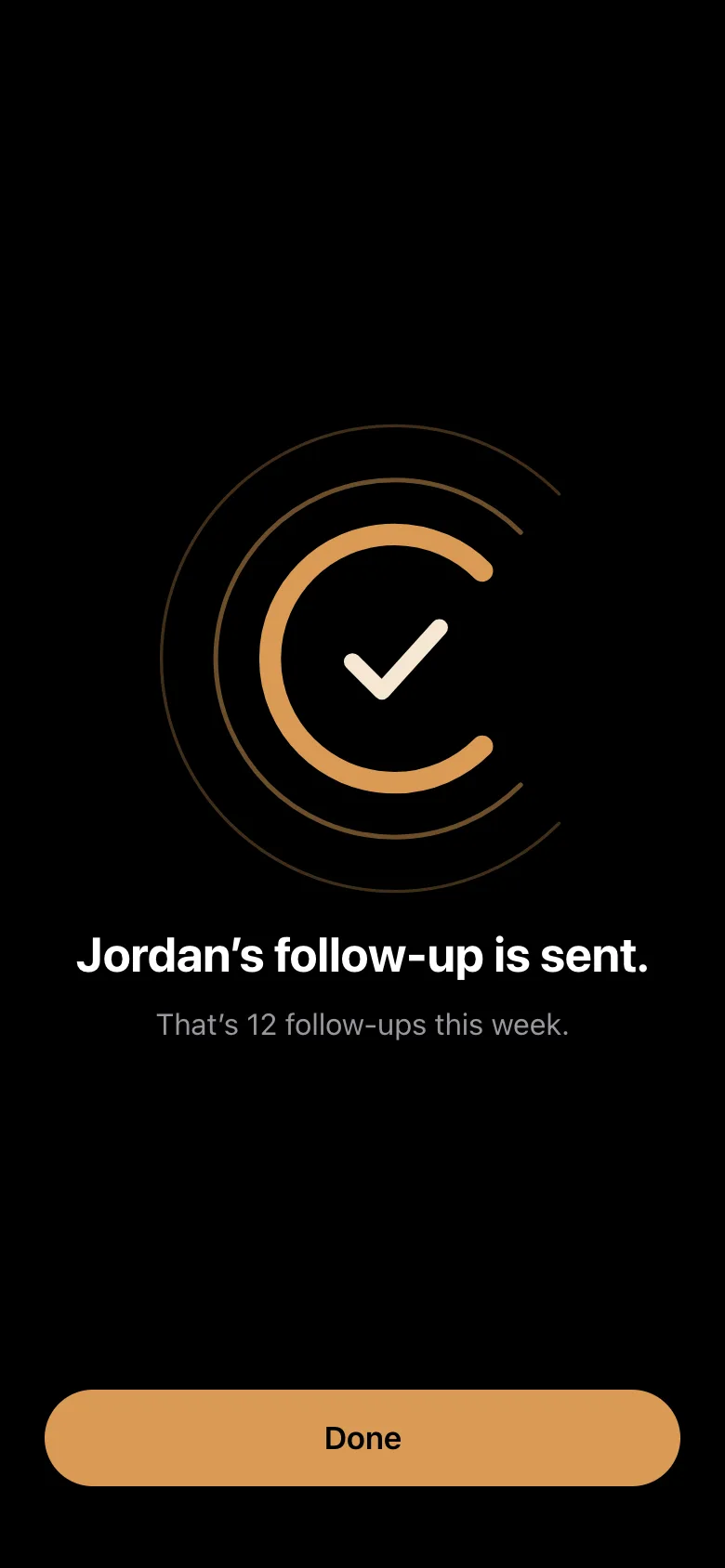
Calls opens with the follow-ups you’ve sent this week. Real numbers, with no streaks to keep up.
When no client is waiting on you, Clients says so.
CallSmart against the ways brokers already handle follow-ups. “Varies” means it depends on the tool.
| Option | Works from phone calls | Drafts the client email | Picks out mortgage details | Notes ready for your CRM |
|---|---|---|---|---|
| CallSmart | Yes | Yes, for your approval | Yes | Yes |
| Handwritten notes | You write as you talk | No | Only what you caught | You retype them |
| Voice memos | Not the call itself | No | No | You write them |
| Typing into the CRM | After the call | No | Only what you remember | Yes, by hand |
| General AI note-takers | Mostly built for video meetings | Varies | General purpose | Varies |
Still unsure? Email support@usekima.com with anything this page doesn’t answer.
CallSmart turns a mortgage client conversation into a follow-up email and CRM notes, ready for you to approve. You capture the conversation on your phone, CallSmart drafts both, and you review them before anything goes out.
Independent and brokerage-affiliated mortgage brokers and agents in Canada who run client calls from their phone.
Yes. Setup includes a sample conversation with Jordan, a first-time buyer. It runs through the real drafting steps and can’t be sent.
Not yet. CallSmart is available on iPhone and on the web.
No. Drafting is automatic and sending isn’t. You approve both the email and the notes before you can send, and editing an approved draft removes the approval.
Yes. You can send from your own email with your usual signature, or have CallSmart send it with your CallSmart signature.
From the app you can push notes to WorkflowCRM when it’s connected on the web. For any other CRM or broker platform, copy or share the notes in one step.
Not directly. iOS stops an app’s microphone when a phone call starts. CallSmart gets around this in two ways: you place a live call through CallSmart, or you merge CallSmart into a call you’re already on. You can also import a call you recorded on your iPhone.
Yes, if your carrier plan has three-way calling. Use Record a call I’m on to merge CallSmart into the call. Recording starts from that moment, so nothing earlier is captured.
Yes, once you verify your mobile in the app. On a live call clients see your number and can call you back.
Tell clients when a conversation is recorded, and follow the rules that apply to you. CallSmart reminds you beside the record, call and merge actions.
Drafting usually takes 20 to 60 seconds. For recordings and live calls, the transcript usually takes a minute or two first.
Your account data, recordings, transcripts and drafts are stored in the United States. To do its work, CallSmart also sends conversations to transcription and AI services, and uses calling and email services, which process them mainly in the United States. They can’t use your data to train their models.
Recordings and scanned note photos are deleted automatically after 90 days, or sooner if you delete the call. Transcripts, drafts and client details stay until you delete the call or your account.
Free to download. Start with the sample client, then try it on a real call.
Available on iPhone. Prefer a computer? Use CallSmart on the web.